Mobile data in Kenya isn't cheap, and a surprising amount of every bundle gets used by apps you never actually opened. Before you top up again, a few built-in settings on your phone can meaningfully cut how fast your Safaricom or Airtel data disappears — no new gadget required.
Turn On Your Phone's Built-in Data Saver
Both Android and iOS have a dedicated mode that stops apps from quietly using data when you're not looking at them. This is the single biggest fix, and it takes under a minute to turn on.
On Android (stock Android 9 and later; menu wording may vary slightly by phone brand):
- Open Settings and go to Network & internet
- Tap Data Saver
- Toggle it on
- Tap Unrestricted data to whitelist apps you want to keep working in the background, such as WhatsApp or Google Maps
With Data Saver on, apps can still use data normally the moment you open them — they just lose the ability to sync or refresh silently while closed.
On iPhone:
- Open Settings and tap Cellular
- Tap Cellular Data Options
- On a 4G/LTE connection, toggle on Low Data Mode directly. On 5G, tap Data Mode first, then turn on Low Data Mode
Low Data Mode pauses background app refresh, automatic app updates and backups, and reduces streaming quality while you're off Wi-Fi.
Stop WhatsApp From Downloading Every Photo and Video Automatically
WhatsApp is usually the biggest single data drain on Kenyan phones, mainly because of group chats that auto-download every forwarded video and voice note.
- Open WhatsApp and tap the three-dot menu (or Settings tab on iPhone)
- Go to Settings > Storage and data
- Under Media auto-download, tap When using mobile data
- Uncheck Photos, Audio, Videos and Documents
- Optionally do the same for When roaming
Media will still show up in every chat — it just won't download until you tap it, so you only spend data on what you actually want to see.
Cap Streaming Quality Instead of Cutting It Off
You don't have to give up YouTube or Instagram on the go, just stop them defaulting to a quality your bundle can't afford.
- YouTube: tap your profile icon > Settings > Video quality preferences, and set mobile network quality to Data saver or a fixed lower resolution
- Instagram/Facebook: in each app's Settings, look for Data usage or Media quality and set it to Data saver
- Chrome: Settings > scroll to see if Data Saver / Lite mode is offered on your Android version — it compresses pages before they reach your phone
Share One Bundle Instead of Everyone Buying Their Own
This is the trick most households and small offices in Nairobi and upcountry towns miss: if fibre hasn't reached your estate yet, everyone in the house is often buying separate Safaricom or Airtel bundles for their own phone. A 3G/4G router changes that math.
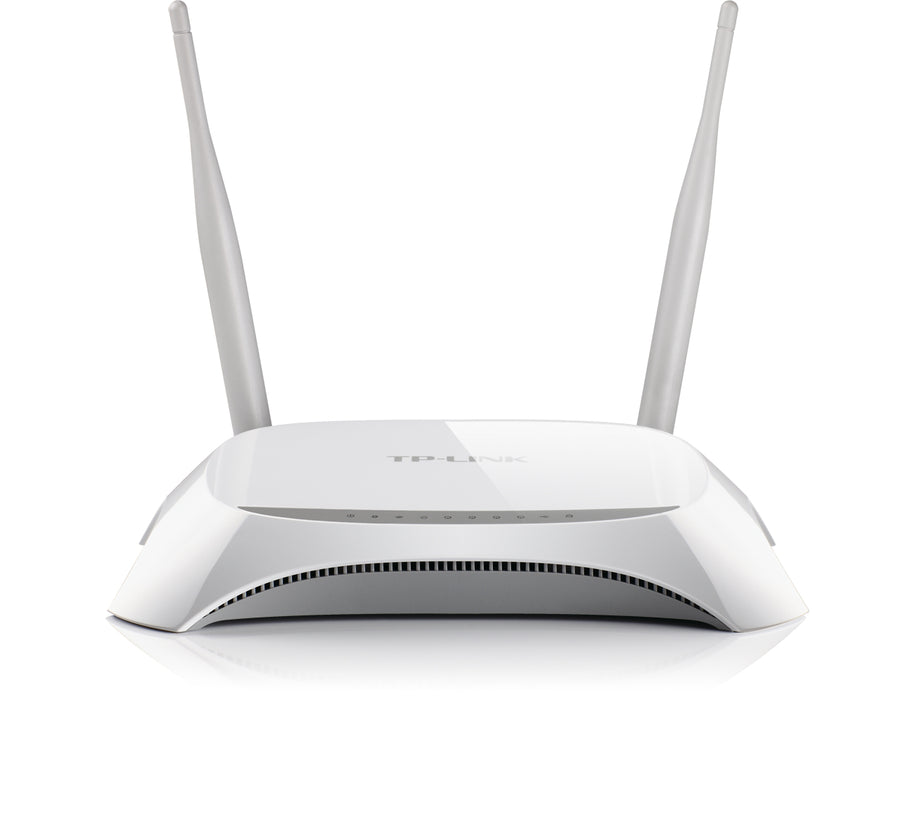
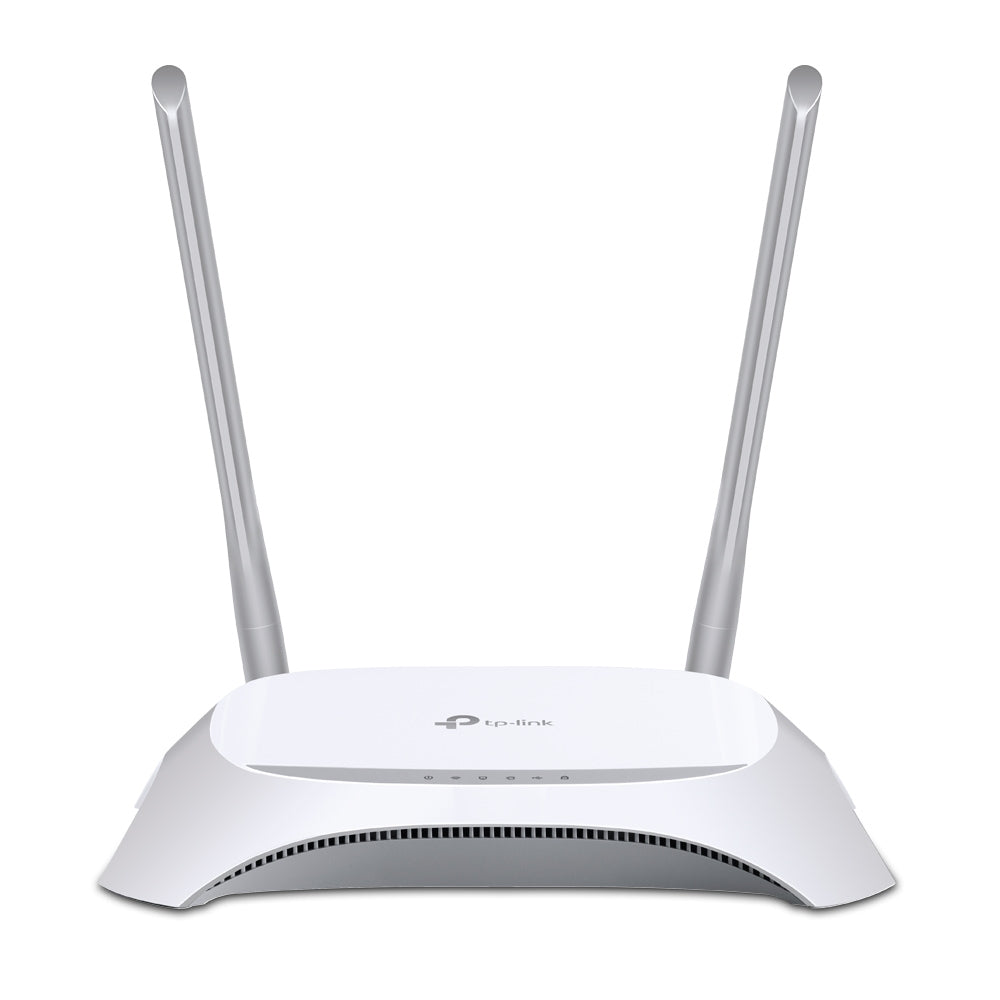
Plug a compatible 4G USB dongle into a router like the TP-Link TL-MR3420, and it turns one data SIM into a shared Wi-Fi network for up to 32 devices. Everyone connects over Wi-Fi instead of burning their own mobile data individually, and it doubles as backup internet if your fibre or Zuku line drops.

Frequently Asked Questions
Does Data Saver or Low Data Mode slow down my phone?
No. It only limits background data for apps you're not actively using — apps you open still work at full speed, they just stop quietly syncing while closed.
Will turning off WhatsApp auto-download stop calls or voice notes from working?
No. Calls and messages work exactly the same. Only automatic downloading of photos, videos and documents in the background is affected — you can still tap any file to download it manually.
How do I check which apps are using the most of my Safaricom or Airtel bundle?
On Android, go to Settings > Network & internet > Data usage to see a per-app breakdown for the current billing cycle. On iPhone, go to Settings > Cellular and scroll down to see data used per app. Both the Safaricom and Airtel apps also show your own bundle usage and expiry.
trewrld | Queensway House, Kaunda Street, 2nd Floor Room 13, Nairobi | 0722 700 018 | @trewrldke
M-Pesa, Visa/Mastercard & Bank Transfer accepted | Same-day delivery in Nairobi, 1 to 4 days countrywide, and delivery across East Africa (Uganda, Tanzania, Rwanda, Burundi, South Sudan)